
Try our Agentic AI
Nitrobots.ai has created an online demo showcasing the capabilities of our agentic agents, Evie and Nic. They are trained to handle outbound calls, use the BANT methodology, and guide prospects toward booking a meeting.

Ava
Ava is an intelligent AI agent trained in outbound calling and BANT methodology. She excels at qualifying leads and engaging prospects with natural conversation.
Try Ava Demo
Nic
Nic is a sophisticated AI agent specialized in BANT qualification and outbound sales. He delivers professional interactions that drive meaningful business conversations.
Try Nic Demo
Riley
Riley is a dedicated and enthusiastic AI sales expert specializing in agentic AI and HubSpot integration. She excels at building authentic relationships while driving demand generation, event registrations, and rigorous BANT qualification for high-level executive briefings.
Try Riley Demo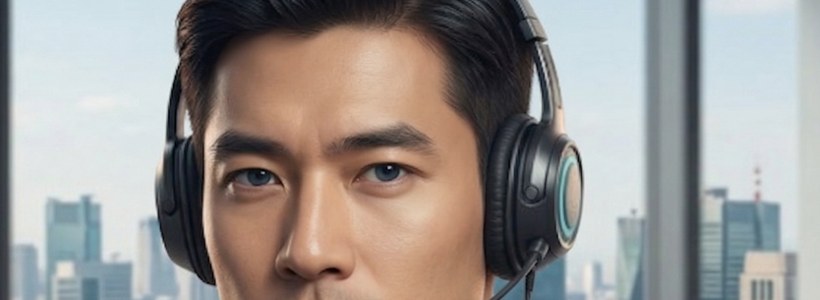
Kelvin
Kelvin is a dedicated and enthusiastic AI sales expert specializing in agentic AI and HubSpot integration. He excels at building authentic relationships while driving demand generation, event registrations, and rigorous BANT qualification for high-level executive briefings.
Try Kelvin DemoWhat happens on the demo?
You'll see a live agentic SDR handle a real lead flow — capture, qualify, follow-up and booking — mapped to your use case.
How long does the demo take?
About 15 minutes — enough to see it work end to end and answer your questions, with no obligation.
Frequently Asked Questions
Find the answers here to your most pressing questions.
An agentic AI demo shows how autonomous AI agents handle real conversations and tasks without human intervention. In this demo, the AI voice agent answers a call, understands context, qualifies the prospect, and attempts to book a meeting — demonstrating how agentic AI can automate sales and support workflows.
The AI voice agent uses natural language processing and CRM data to recognize the caller, understand their needs, and respond in real time. It follows a structured sales process, handles interruptions, answers questions, and guides the conversation toward qualification or meeting scheduling.
Yes. Nitrobots AI agents integrate with popular CRM systems, scheduling tools, and communication platforms. This allows the AI to recognize contacts, update records, log call outcomes, and automatically schedule meetings based on the conversation.
No technical skills are required. Simply start the demo, allow microphone access, and speak naturally as if you were a real prospect. The AI agent will handle the conversation and guide you through the qualification or booking process.
After completing the demo, you can book a live session with the Nitrobots team to explore how AI agents can be customized for your business. They can help you design voice agents for sales, customer support, appointment booking, and other automated workflows.